Generate images from prompts
Enter prompts row by row for illustrations, scenes and visual assets. See the task table for available models and settings.
 LoomSkill
Prepare one task per row and choose a Skill that fits your image needs.
Enter prompts row by row for illustrations, scenes and visual assets. See the task table for available models and settings.
Provide a reference image, a product photo and visual requirements to create product scenes. Use separate rows for different products.
Provide a product photo on a white background and product details to create an ecommerce image set. Check the input requirements and generation instructions first.
Choose text-to-image, product image remix or ecommerce image sets. Review the input fields and public examples first.
Each row is one task. Fill in prompts, product details or images using the selected Skill’s fields. Try a few tasks before running a full batch.
Connect your Shengsuanyun API key, validate tasks and review the estimated cost before running. View progress, results and downloads in My Tasks.
Fields differ between Skills, so use the template for the workflow you chose. Filling in or importing tasks does not start generation automatically.
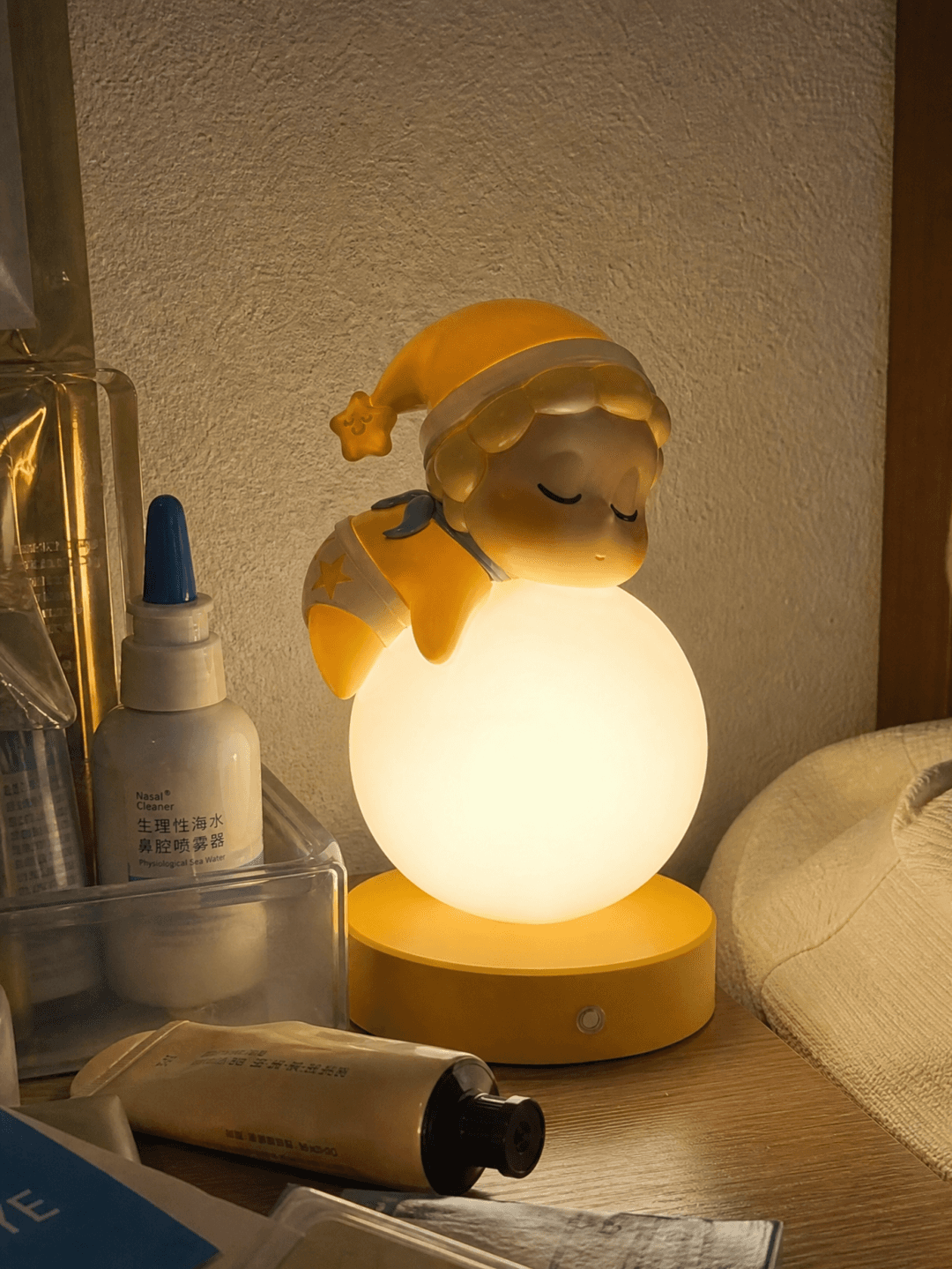
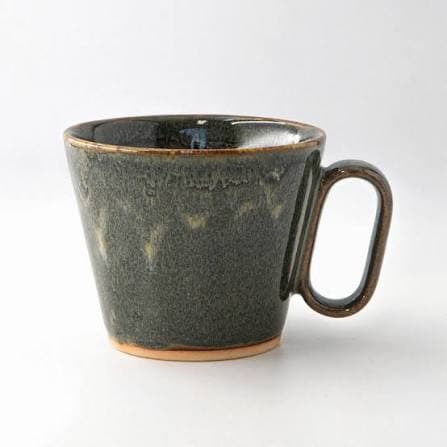
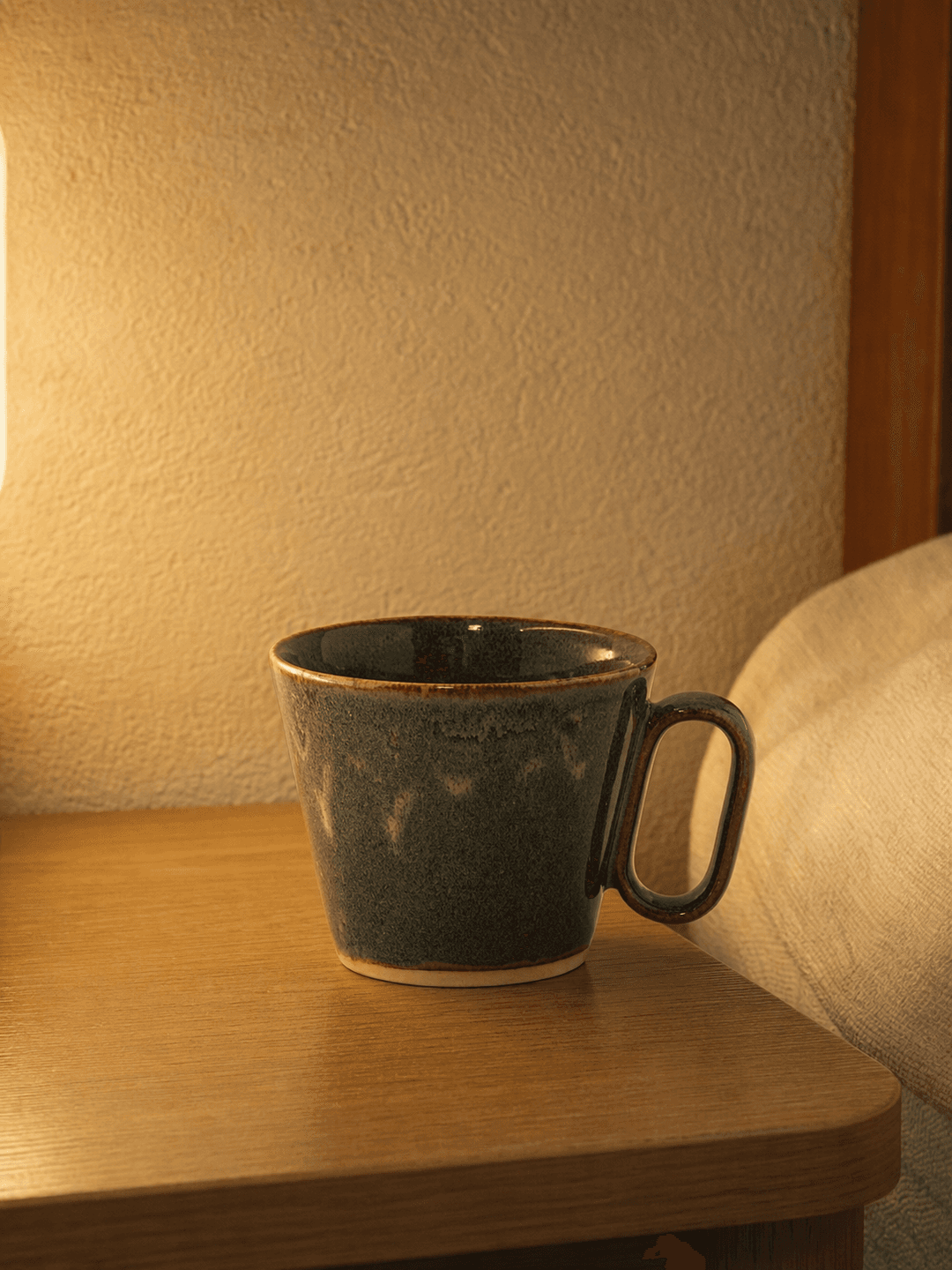
Open Text to Image and get the templateThis is an actual trial by the creator using the product image remix Skill. Results vary with the inputs and model.
Need copywriting or other batch tasks? Explore the full Skill directory.
Browse all Skills